v1.5.4 Save Own Colors, Flip Images, Dashed & Dotted Lines, Formulas, Own Subreddit, and Many Quality of Life Improvements
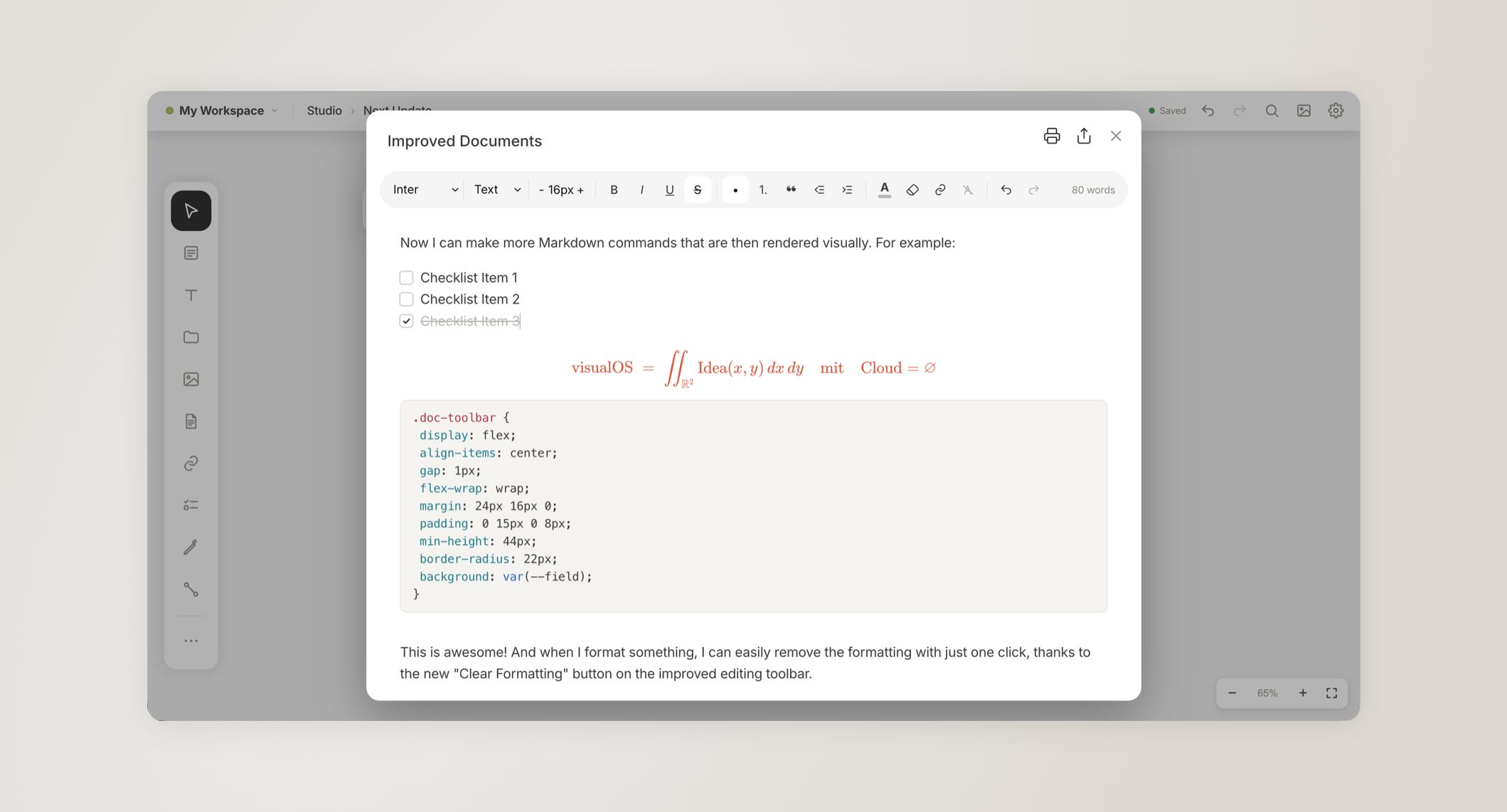
Today our newest update has been released. We have reworked and improved many small details that you have discovered and suggested. Flipping images, saving your own brand colors, formulas, and more markdown features in the editor.
If you are following our development and like what we built with visualOS, please consider leaving an honest review in the App Store or on AlternativeTo to spread the word. We would really appreciate it.
Besides that, we have created our own subreddit 🎉 r/visualos where we meet other visual thinkers, share workflows, and help each other. If you want to stay updated or exchange with the community, we are excited to see you there.
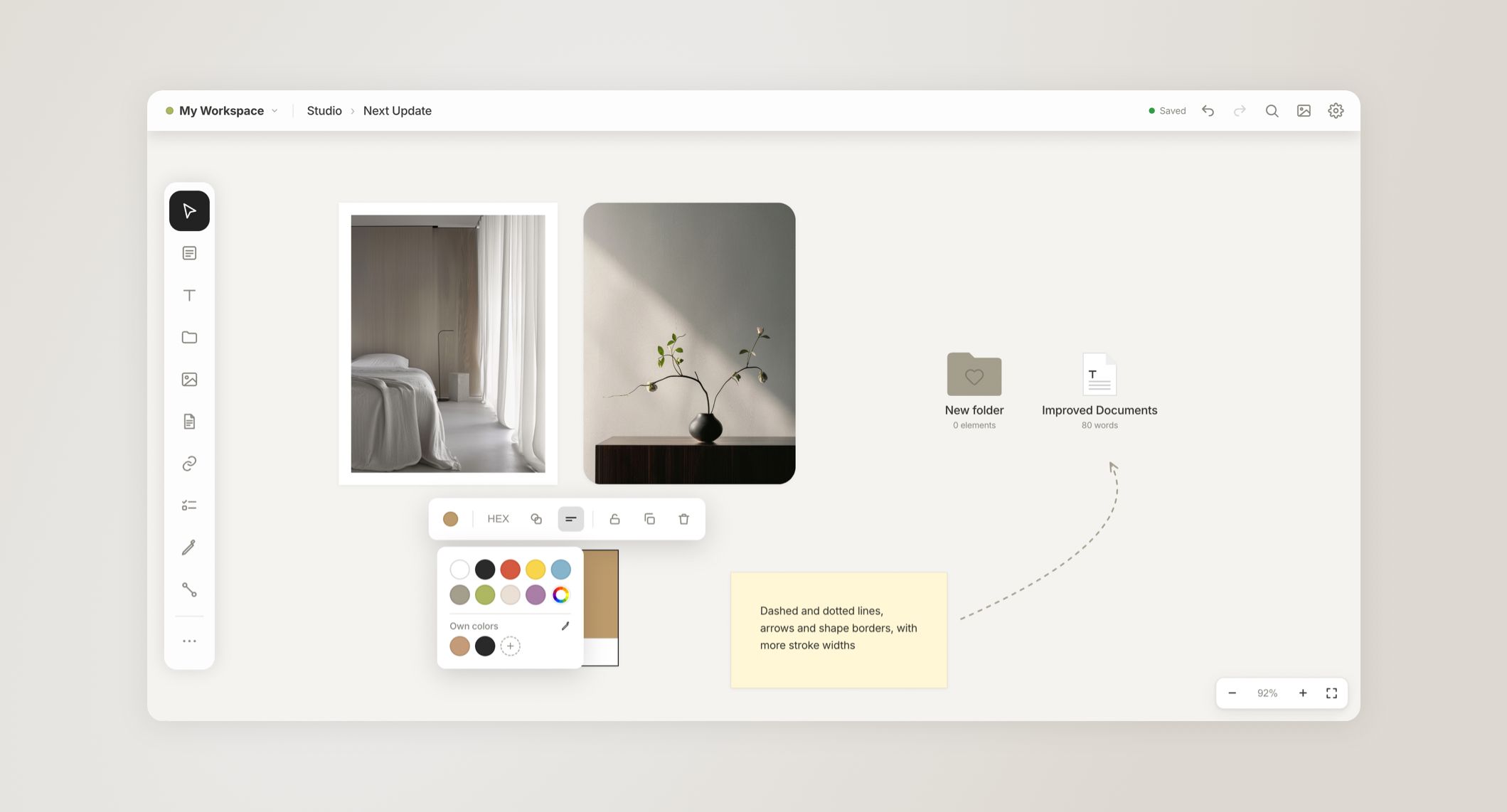
Please update to the latest version of visualOS. The browser version has already been updated.
Complete changelog:
• Save your own colors and reuse them in the color pickers
• Pictures: add a frame, round the corners and flip them
• Documents: to-do items, code with syntax colors, math formulas
• Syncing starts sooner after you open the app
• Long-press the board to paste
• Documents: a new toolbar with a Clear formatting button
• Paste a table onto the board or into a document, and it stays a real table
• Copied elements keep the arrows between them
• Pictures and videos keep their proportions when you resize them by a corner
• Copy link cards to paste clean links into other apps
• Dashed and dotted lines, arrows and shape borders, with more stroke widths
• To-do lists: pick a font, size and color, and style the heading
• Choose your own grid size
• Selections are easier to see in dark mode
• Many smaller improvements and fixes
Mac app:
• Hold Shift to resize a picture or video freely
• Zoom to your selection with Shift+2
• Keyboard shortcuts: see every shortcut in Settings and choose your own keys
• Hold Shift to drag in a straight line
• Hold Option to drag a copy
• Press Enter to edit the selected item
• Hold Option to resize from the center
• Dragging an item right after clicking it no longer opens it
• ⌘Z and other shortcuts work right after typing or pressing Esc
If you’re missing anything, please contact us anytime.
Best,
Sarah & Gerald