Sync Issues After Update
Hi guys,
I’ve updated the app, but unfortunately I’m still having synchronization issues.
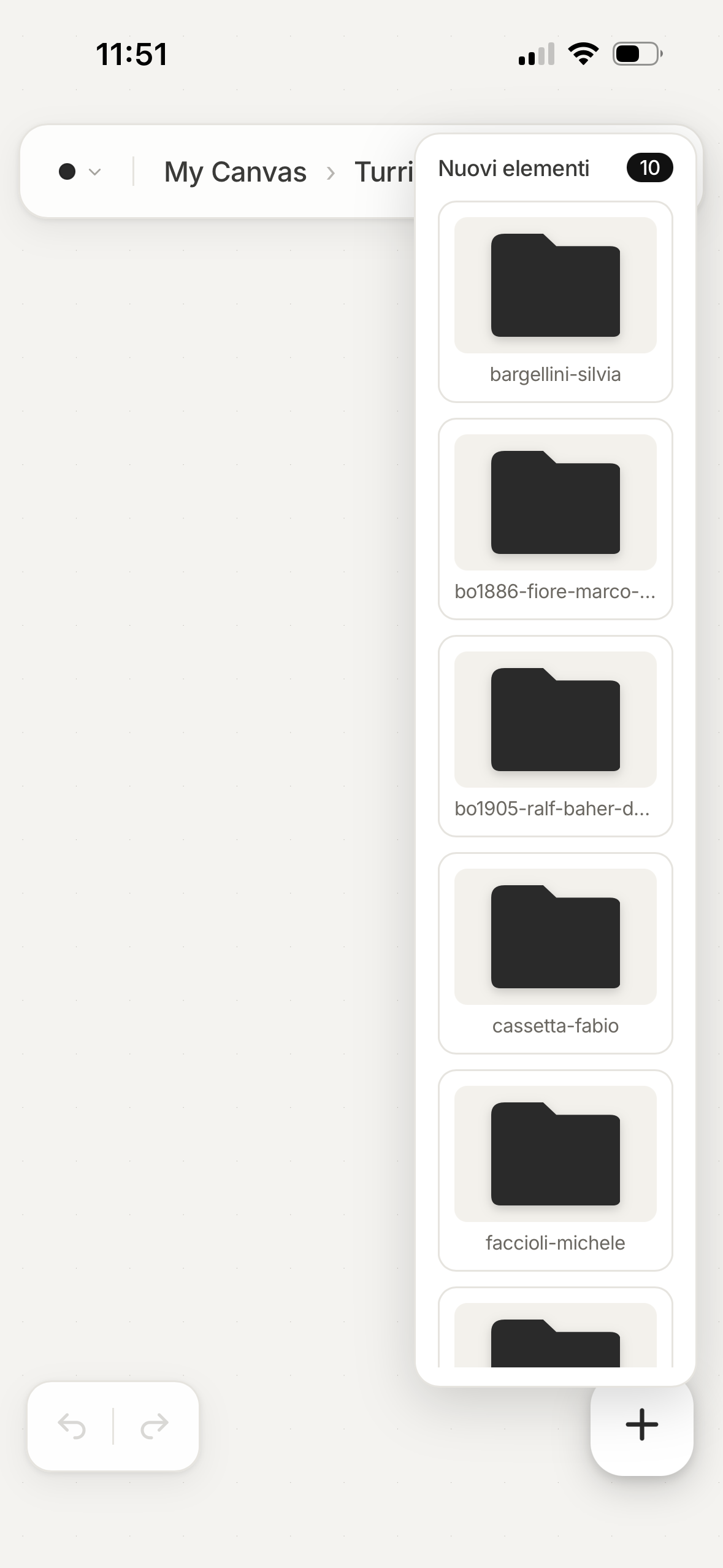
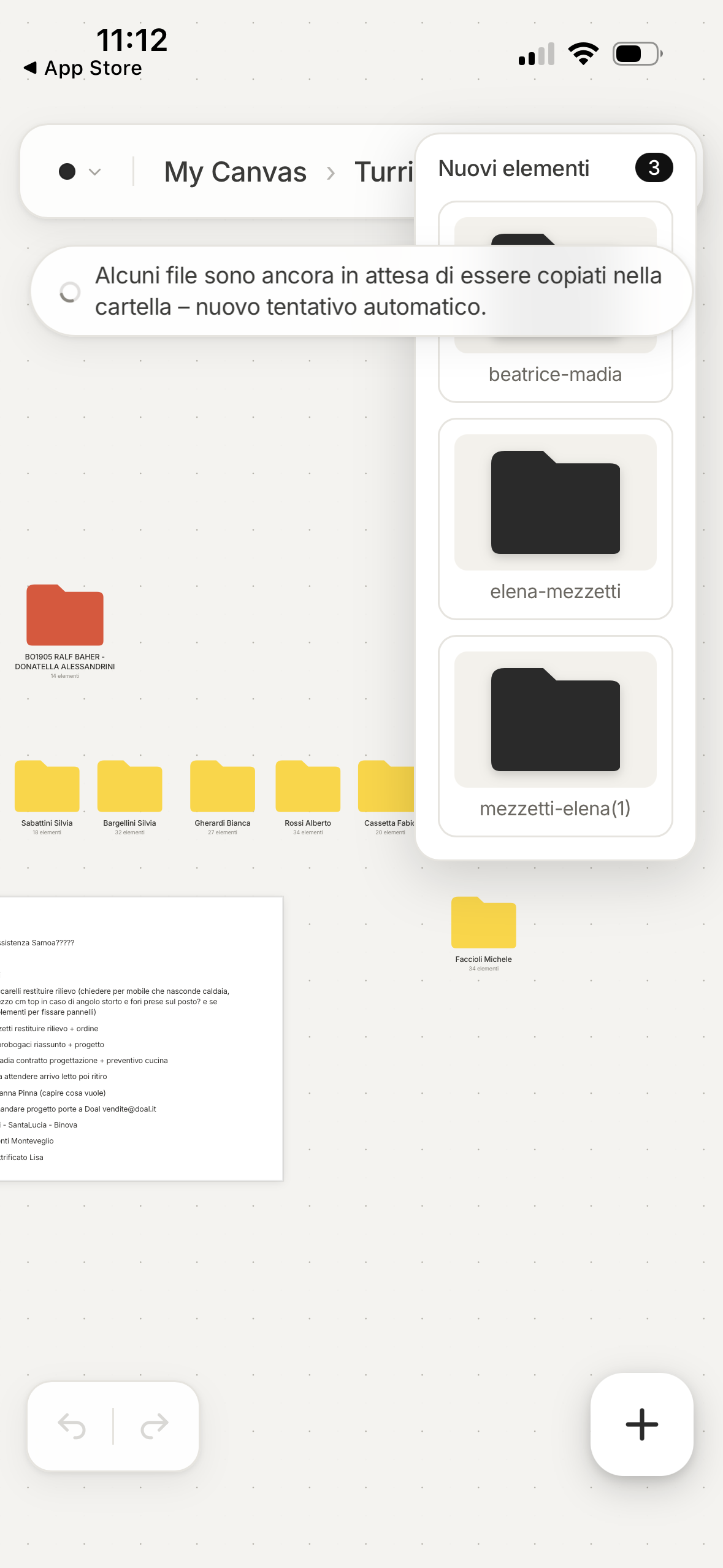
I keep getting update/sync notifications, and when I agree to sync, some of my latest changes disappear again. This time, for a moment, the app actually duplicated everything — all the folders were duplicated. Because of that, I decided to restore a backup from around 20–30 minutes earlier, which meant losing the latest changes I had made during that time.
I understand that, as you’ve explained to me before, the data is not actually lost and can be recovered through the iCloud folders. However, this is still a problem for me in practice. The files stored there are text/code files used by the app, so when I open them, they contain not only the actual text but also all the underlying code and formatting. This means that, if I need to recover something manually, I then have to use other applications or tools to turn it back into something I can actually read and work with normally.
That feels like a lot of extra time and effort for something that I would really like to be simple. The whole point of using an app like Visual OS is to make my workflow easier, but at the moment it sometimes feels like it is working against me rather than helping me.
So I wanted to ask you whether there is any other reliable way to connect a non-Apple computer with an iPhone and keep the two properly synchronized.
My main use is actually on my computer, and I could potentially just use Visual OS there. But that would make the mobile side of the app much less useful to me. My PC is not something I can easily carry around and open every time I need to check something. What I would really like is to be able to have the two devices properly connected, so that when I’m away from my computer I can at least check my latest information on my phone, see updates, and make small changes — for example, updating a to-do list — without having to turn on my computer every time.
I really like the idea behind Visual OS and I’ve already given it several chances because I would like to keep using it. But I’m getting to the point where I may have to give it one last chance and otherwise look for another solution. I simply can’t afford to lose work or spend time recovering and redoing things because of synchronization issues.
So if there is another setup, connection method, or workflow you would recommend for using Visual OS between a non-Apple computer and an iPhone, I would really appreciate your advice.
Thanks!
Log in to comment and vote
Comments5
Dorweiler & Reimertz GbR
Sep 20
Thank you for your message. Can you please create a new board without copying anything over and sync your two devices and tell me if any of your problems still exist? As said before, unfortunately your old board is in a broken state :/
Lisa Giolitto Cereser
Sep 20
Thanks for the clarification! Before I try this, would it be worth testing the sync via Google Drive, or would it be essentially the same if I use iCloud Drive?
I’ll create a new board from scratch, add some random things, create a few folders, and sync both devices to see if the problems still occur.
Also, if everything works correctly, is there a correct way to restore/reinsert all the content from my old board afterwards, or would I have to recreate everything manually?
Dorweiler & Reimertz GbR
Sep 20
From a technical side, it is very similar if you are on a Windows device, but if you use visualOS on your iPhone as well, the iCloud sync is the better choice because we can directly call functions inside iCloud. So I would suggest you stick to iCloud.
For copying things over. Please do everything directly inside visualOS, not in the folder on the disk! And do it step by step. Open VisualOS on your PC in two browser tabs. One tab with the old (broken board) and one tab with the new clean one. Select a document or image you want to copy, hit CMD + C, and insert it on the new board with CMD + V. This way only the healthy elements will be transferred.
And please make sure that all your devices are using the newest version of visualOS. The issue that has caused the drift in your old board is fixed in the newest version.
And when you are done and back to normal working mode, it takes up to 20 seconds until the change shows up on your other device. This is the downside of syncing everything through the user cloud. Please let me know if everything works as expected.
[deleted]
Sep 21
Dorweiler & Reimertz GbR
Sep 22
So be honest, we do not have a perfect solution for that besides inserting them again :/