v1.7 Meet the Grid - Bring Order to Your Ideas, Free Background Remover, Frames, Export Options
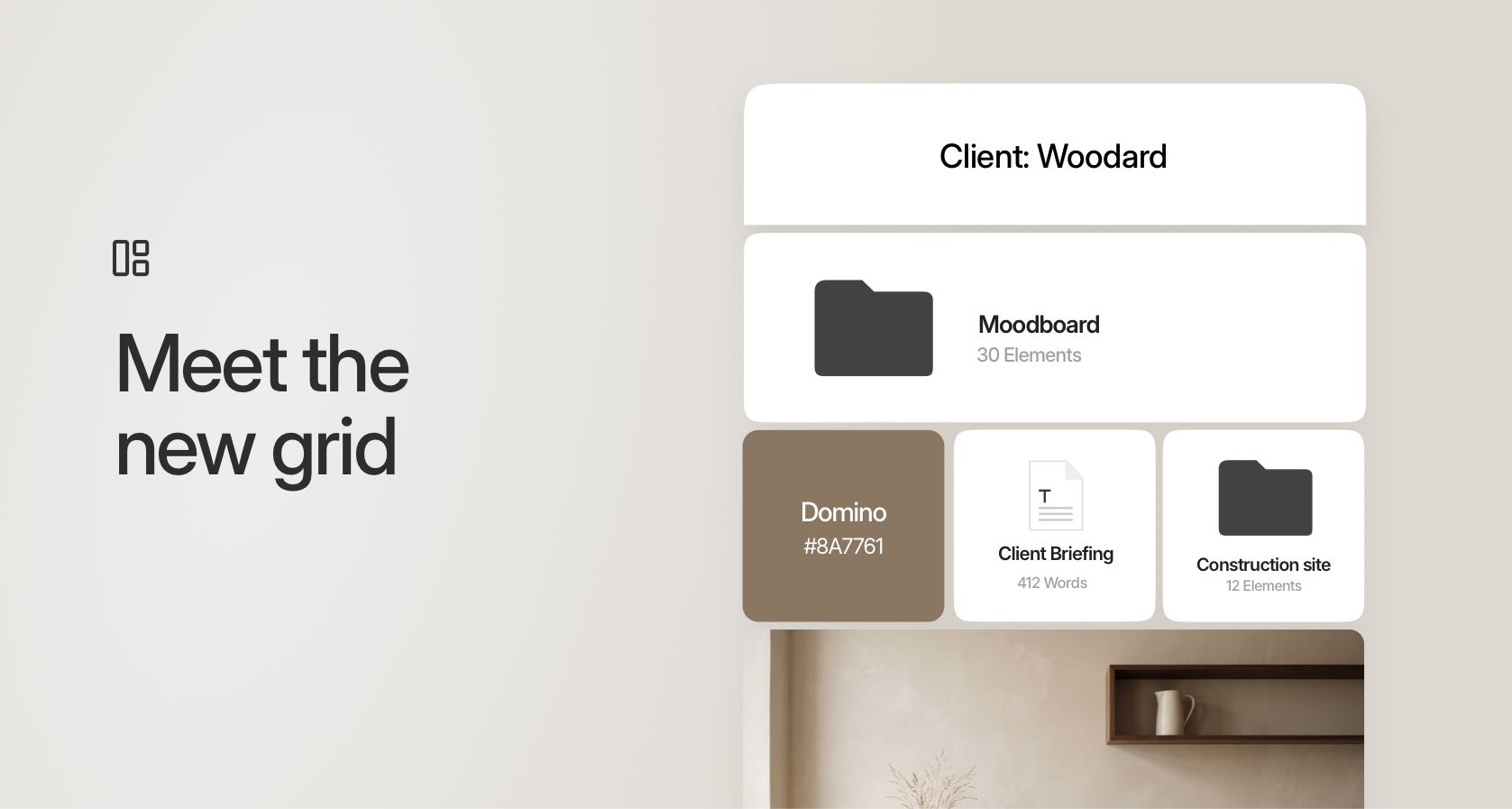
Yeeess! We have heard you 😅 30+ combined upvotes on a column-like feature. BUT at visualOS we have to understand a request before we implement it. This is the only way we can make sure it is as polished as the rest and fits our overall vision. And columns were always something we didn’t use ourselves… So we started a deep dive into how to take your initial idea and refine it into something truly special. Something that has the structure of a simple column with the freedom to express relationships and ideas freely. After many iterations, we present you the grid.
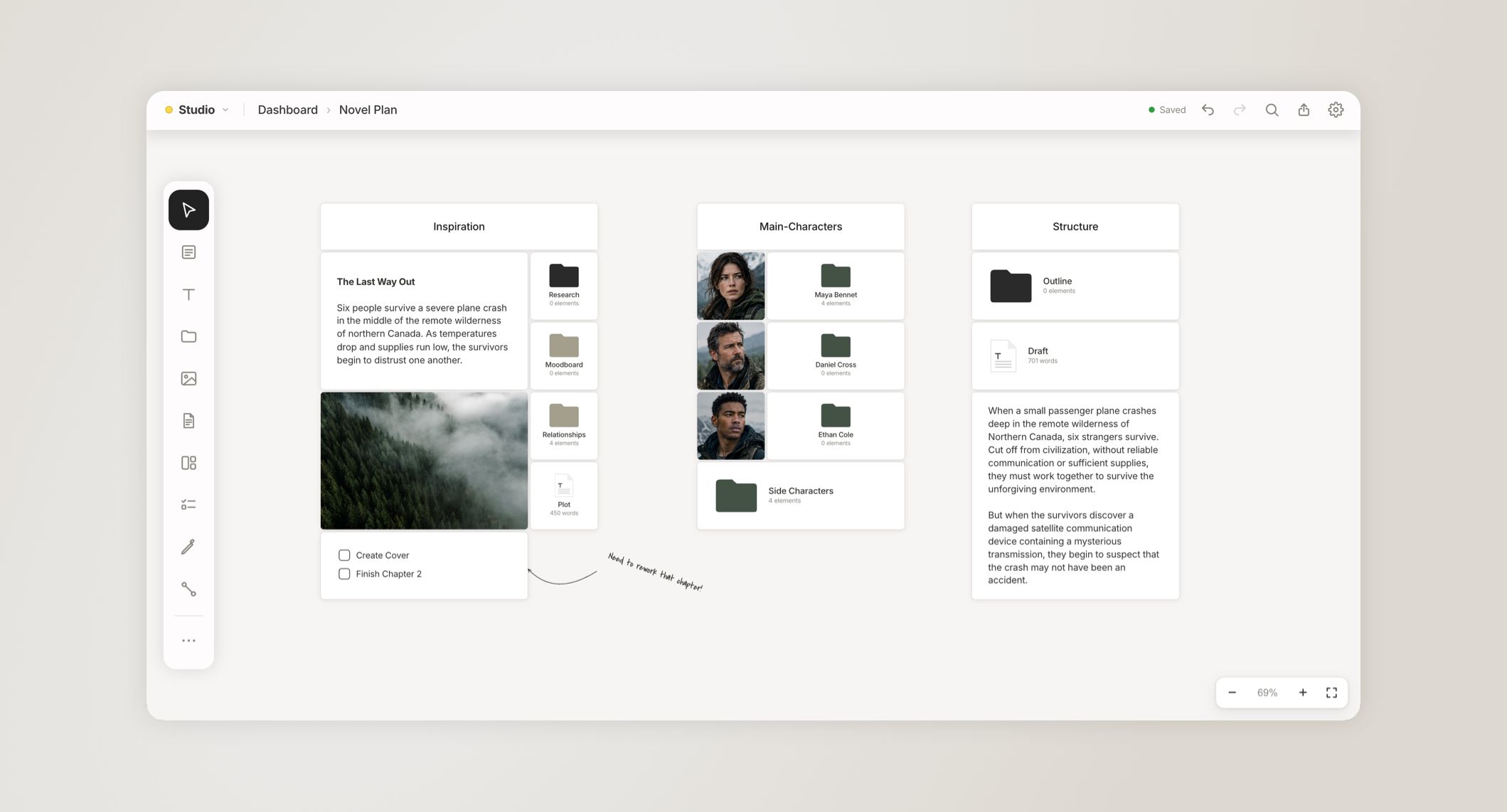
A bento-grid-like way to order your ideas and notes. It works horizontally and vertically to create unlimited possibilities for arrangements. Fast and optimized for mobile and browser use. Fully customizable with your own spacing, border radius, and background color.
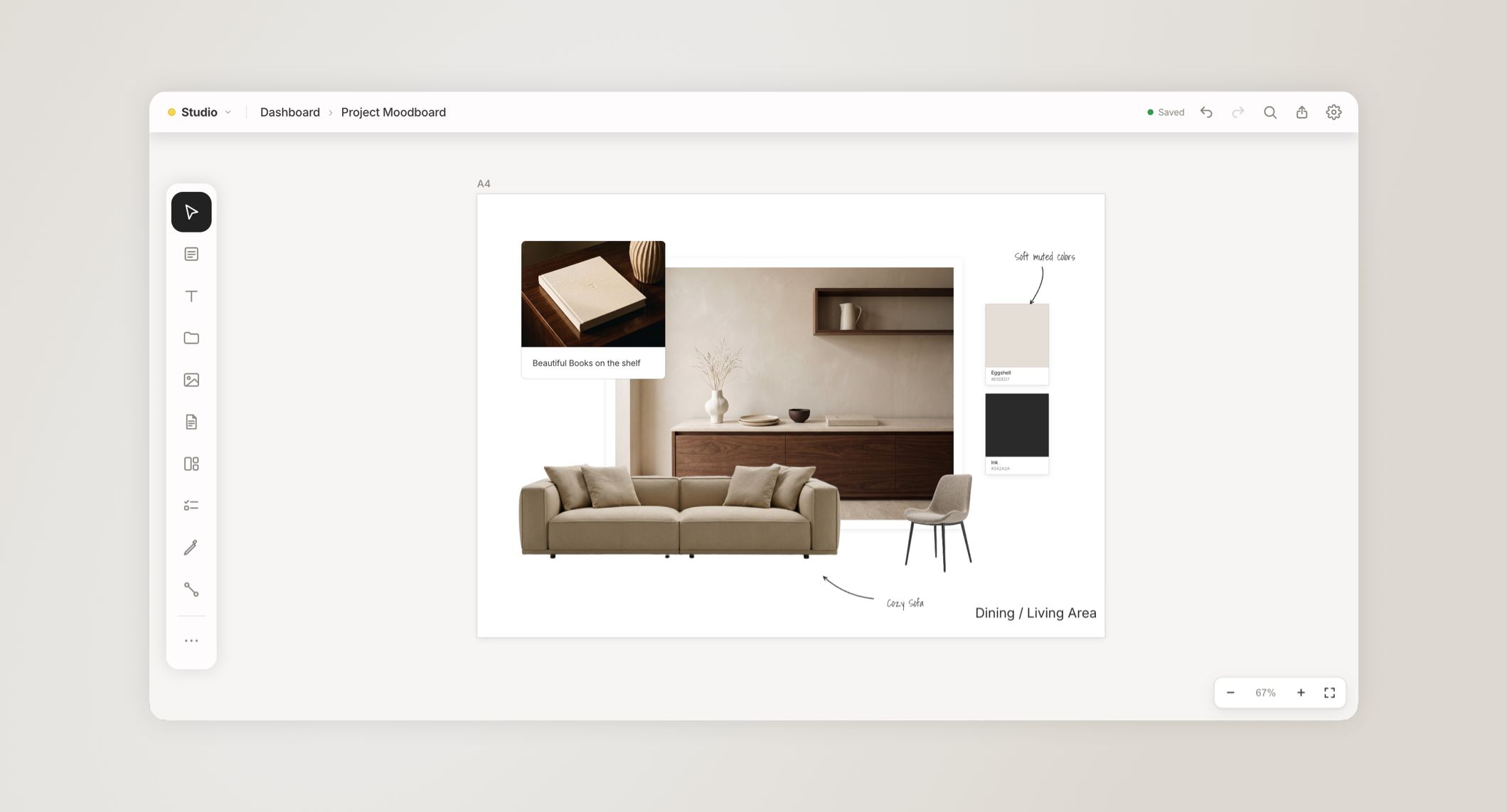
New Frame Element and high-res export as PNG, JPG, or PDF.
You can now work with our new Frame item to arrange your ideas directly in industry-standard boxes, ready to be exported for social media and your clients. With this we reworked the way you export your ideas, bringing you more high-res options and the possibility to export directly into a PDF.
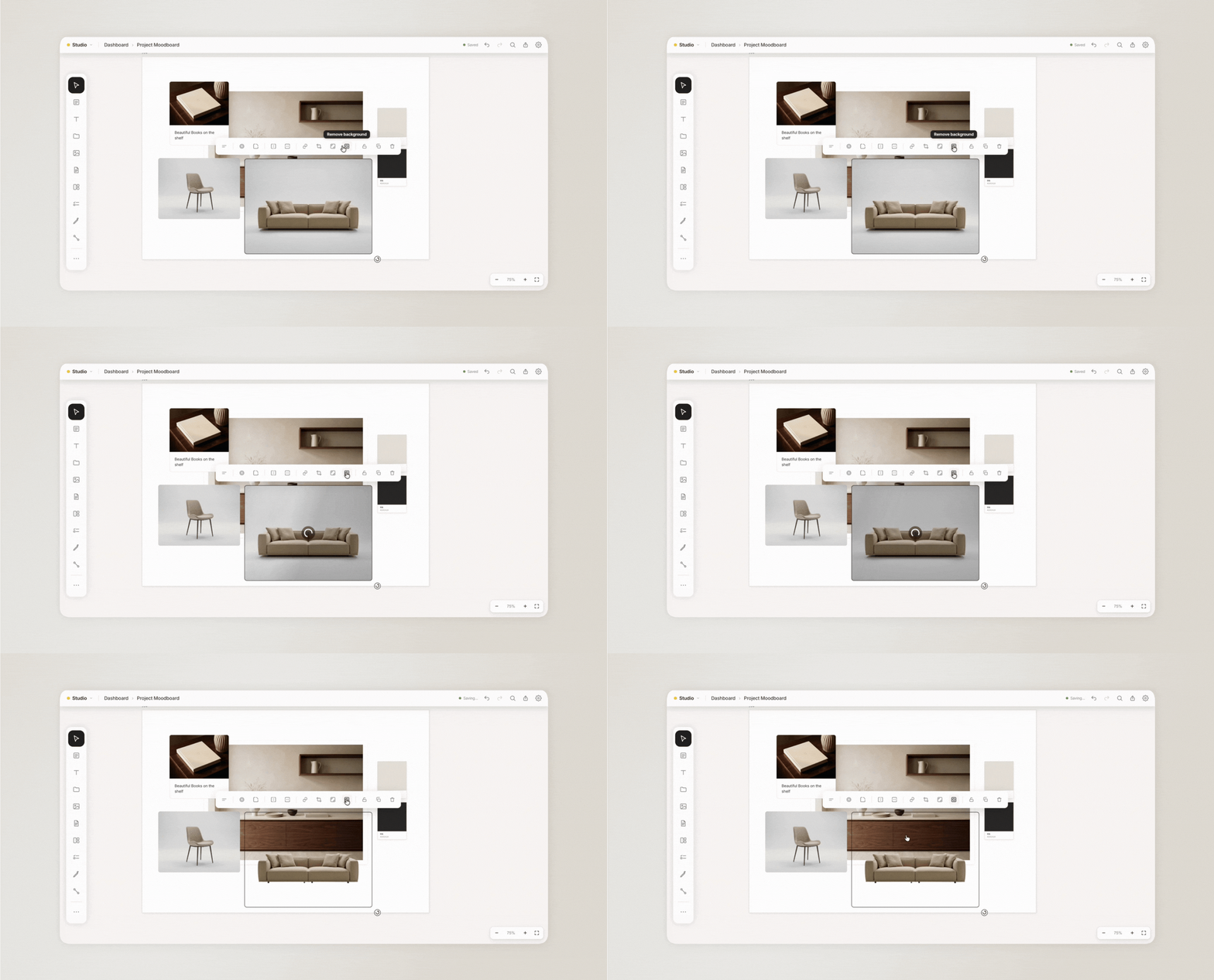
Free background remover to create beautiful mood boards
Something we always loved in other tools like Canva was the easy background remover. We wanted something similar in visualOS and luckily found a way that runs entirely on your device, utilizing your own GPU. This way you can use it as often as you want without hitting any limits. Older devices without GPU acceleration might have this option disabled.
The complete changelog of this version:
• New: Grids – create columns AND rows. Free but organized.
• New: Frames – pages in a set format (paper, social media, presentation …) to lay out, export and print
• New: Background-Remover – remove a picture's background with one click
• New: Sub-tasks in to-do lists
• New: Multiple Export options JPG, PNG, PDF and printing
• New: Markdown in notes and text elements, just like in documents
• Drag a picture's edge to crop it
• Select multiple items on touch devices with longpress + drag
• Several pictures keep their proportions when you resize them together
• Drag tasks in to-do lists and see where they land before you let go
• Move selected elements in fine steps with the arrow keys
• Link now sits in the ⋯ menu, next to Mindmap and Frame
• Locked elements can no longer be deleted – unlock them first
• Text stays exactly in place when you start editing it
• Fresh look for search and the link editor – and on iPhone a floating + menu, formatting bars right above the keyboard and haptic feedback
• Fixed: A rotated picture could disappear when zoomed in, and was missing from exports
• Fixed: A deleted picture or file could turn up again in New Items
• Fixed: No more "Unknown file" items in New Items with Dropbox on iPhone and iPad
Mac app:
• The hand cursor shows when you pan with Space or drag a task
• Many smaller improvements and fixes
If you made it all the way down here, thank you so much. Your feedback and ideas have carried visualOS further than we could have imagined 🤯 We have a little favor to ask: if you feel like supporting what we’re building, we’d be really grateful if you left an honest review in the AppStore. It helps more people find visualOS and gives us a better chance of being picked up by the Apple Editorial team 😬🤫
Best,
Sarah & Gerald